Accordion
The accordion plugin adds click-to-expand behavior to a set of FAQ (or any) items using data-accordion attribute.
In development, it is implemented in assets/js/modules/accordion.js and is initialized automatically by assets/js/main.js.
Markup Requirements
To use the plugin, you must follow this structure:
- Add
data-accordionon a parent wrapper element. - Inside it, add one or more items with
data-accordion-item. - Each
data-accordion-itemmust contain:data-accordion-trigger: the clickable element (usually abutton)data-accordion-content: the collapsible content containerdata-accordion-vertical: the “vertical” indicator element (this is what getsrotate-90added/removed)
Notes:
- You can place multiple accordions on the same page; the plugin will initialize each
[data-accordion]block it finds. - The script assumes all of the above elements exist. Missing attributes can cause runtime errors.
- Only one item is expanded at a time (opening one collapses the others).
- Clicking an already-open item does not collapse it (the code only expands when
gridTemplateRowsis not already"1fr").
Markup Example
Below is an example markup of the plugin. Key details are included in the HTML comments:
<!--  Start: data-accordion on parent wrapper -->
<div class="divide-y divide-border" data-accordion>
  <!-- Start: data-accordion-item  -->
  <div data-accordion-item>
    <!-- Add data-accordion-trigger on the clickable element -->
    <button
      class="flex w-full cursor-pointer items-center justify-between py-6 text-left"
      data-accordion-trigger
    >
      <!-- Accordion Heading content placed here -->
      <span class="pr-8 text-xl font-medium text-foreground">Heading Text</span>

      <!-- Icon for expanding/collapsing placed here - contains data-accordion-vertical attribute -->
      <span class="relative flex h-6 w-6 shrink-0 items-center justify-center">
        <span class="absolute h-[2px] w-4 bg-foreground transition-transform duration-300 ease-in-out"></span>
        <span
          class="absolute h-[2px] w-4 rotate-90 bg-foreground transition-transform duration-300 ease-in-out"
          data-accordion-vertical
        ></span>
      </span>
    </button>


    <!-- Add data-accordion-content on the content element -->
    <div
      class="grid grid-rows-[0fr] transition-[grid-template-rows] duration-300 ease-in-out"
      data-accordion-content
    >
      <div class="overflow-hidden">
      <!-- Accordion content placed here -->
        <div class="space-y-6 pb-6 text-lg leading-relaxed text-muted-foreground">
          <p>This is the answer text.</p>
        </div>
      </div>
    </div>
  </div>
  <!-- End: data-accordion-item  -->

  <!-- Start: Another data-accordion-item -->
  <div data-accordion-item>
    ...
  </div>
  <!-- End: Another data-accordion-item  -->

</div>
<!-- End: data-accordion on parent wrapper  -->
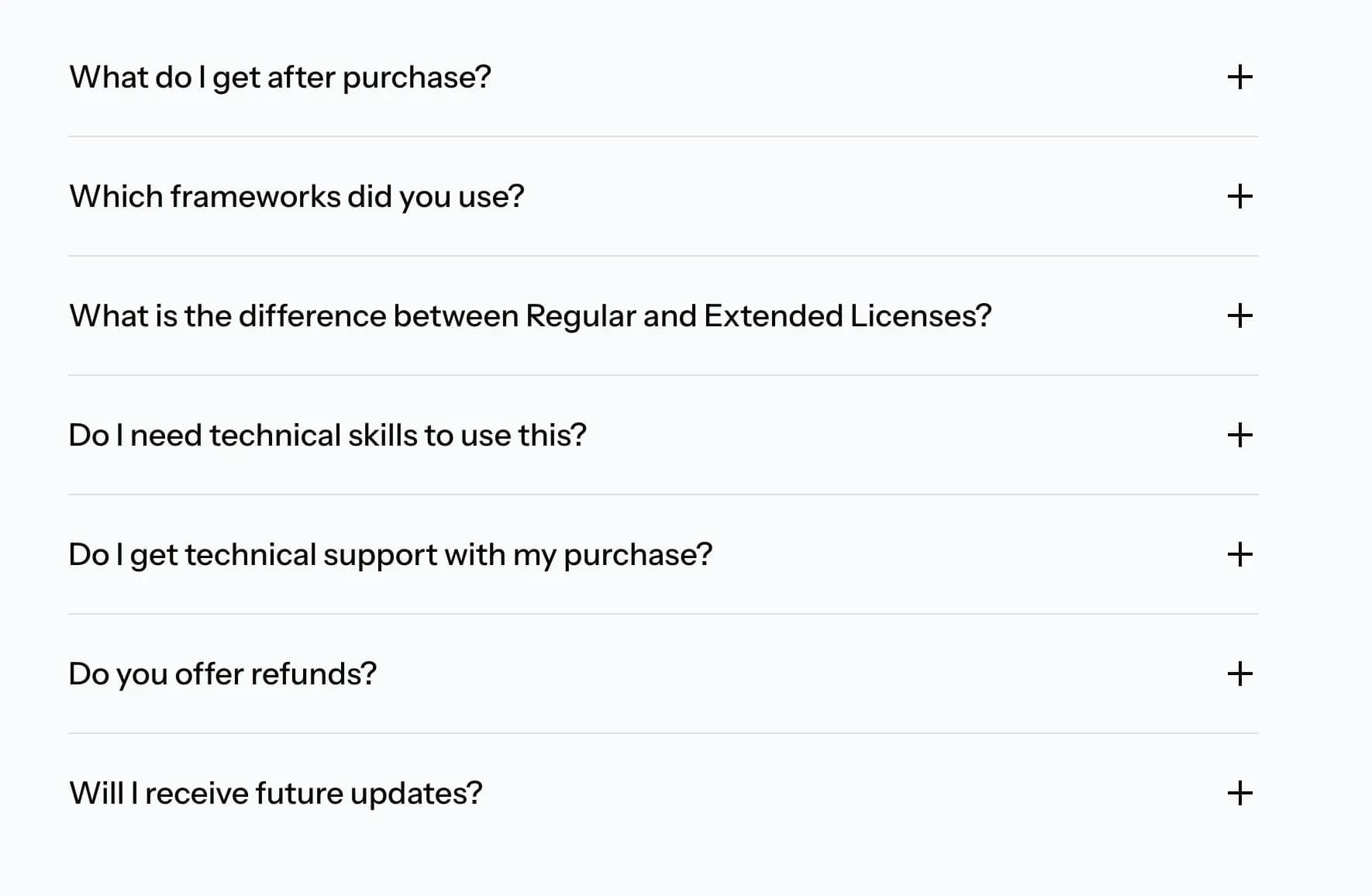
Demo Example
View the complete code sample on this page.
 Pricing Page
Last updated on