Page Intro Animation
The page-intro-animation plugin creates an elegant entrance animation for elements when the page first loads. It uses GSAP and the SplitText plugin to create staggered text unmasking effects and fade-up animations, ensuring a smooth and modern first impression.
In development, it is implemented in assets/js/modules/page-intro-animation.js and initialized automatically by assets/js/main.js when document.fonts.ready resolves.
Markup Requirements
To use the plugin, wrap your content in a container with the data-page-intro-animation attribute. Then, apply specific attributes to the child elements you wish to animate:
data-page-intro-animation-unmask-text: Used for text elements (like headings or paragraphs). It splits the text into lines and applies a staggered “slide up” animation (yPercent: 120) with a mask.data-page-intro-animation-move-up: Used for any other elements (like images or buttons). It creates a staggered fade-in (opacity: 0to1) and slide-up animation.
Customizing animation values
You can override the default animation settings by adding any of the following optional data attributes to the parent container (data-page-intro-animation):
| Attribute | Default | Description |
|---|---|---|
data-page-intro-animation-unmask-y-percent | 120 | The initial vertical offset (in percent) for the unmask animation. |
data-page-intro-animation-unmask-stagger | 0.3 | The delay (in seconds) between unmasking each line of text. |
data-page-intro-animation-unmask-duration | 1.2 | The duration (in seconds) of the unmask animation. |
data-page-intro-animation-move-up-y-percent | 120 | The initial vertical offset (in percent) for the move-up elements. |
data-page-intro-animation-move-up-duration | 1.5 | The duration (in seconds) of the move-up animation. |
data-page-intro-animation-move-up-stagger | 0.3 | The delay (in seconds) between animating each move-up element. |
Markup Example
Below is an example markup showing how to apply these attributes to create a complete page intro animation sequence.
<!-- Default behavior -->
<header data-page-intro-animation>
  <!-- Text elements use the unmask-text attribute -->
  <h1 data-page-intro-animation-unmask-text>
    Welcome to our amazing platform
  </h1>
  <p data-page-intro-animation-unmask-text>
    Discover features that will transform your workflow.
  </p>

  <!-- Buttons and other blocks use the move-up attribute -->
  <div data-page-intro-animation-move-up>
    <a href="#" class="btn btn-primary">Get Started</a>
  </div>
</header>

<!-- Custom behavior: faster unmask, slower move up -->
<header
  data-page-intro-animation
  data-page-intro-animation-unmask-stagger="0.1"
  data-page-intro-animation-move-up-duration="2.0">
  <h1 data-page-intro-animation-unmask-text>Custom Animation</h1>
  <div data-page-intro-animation-move-up>Welcome!</div>
</header>
Demo Example
View the complete code sample on this page.
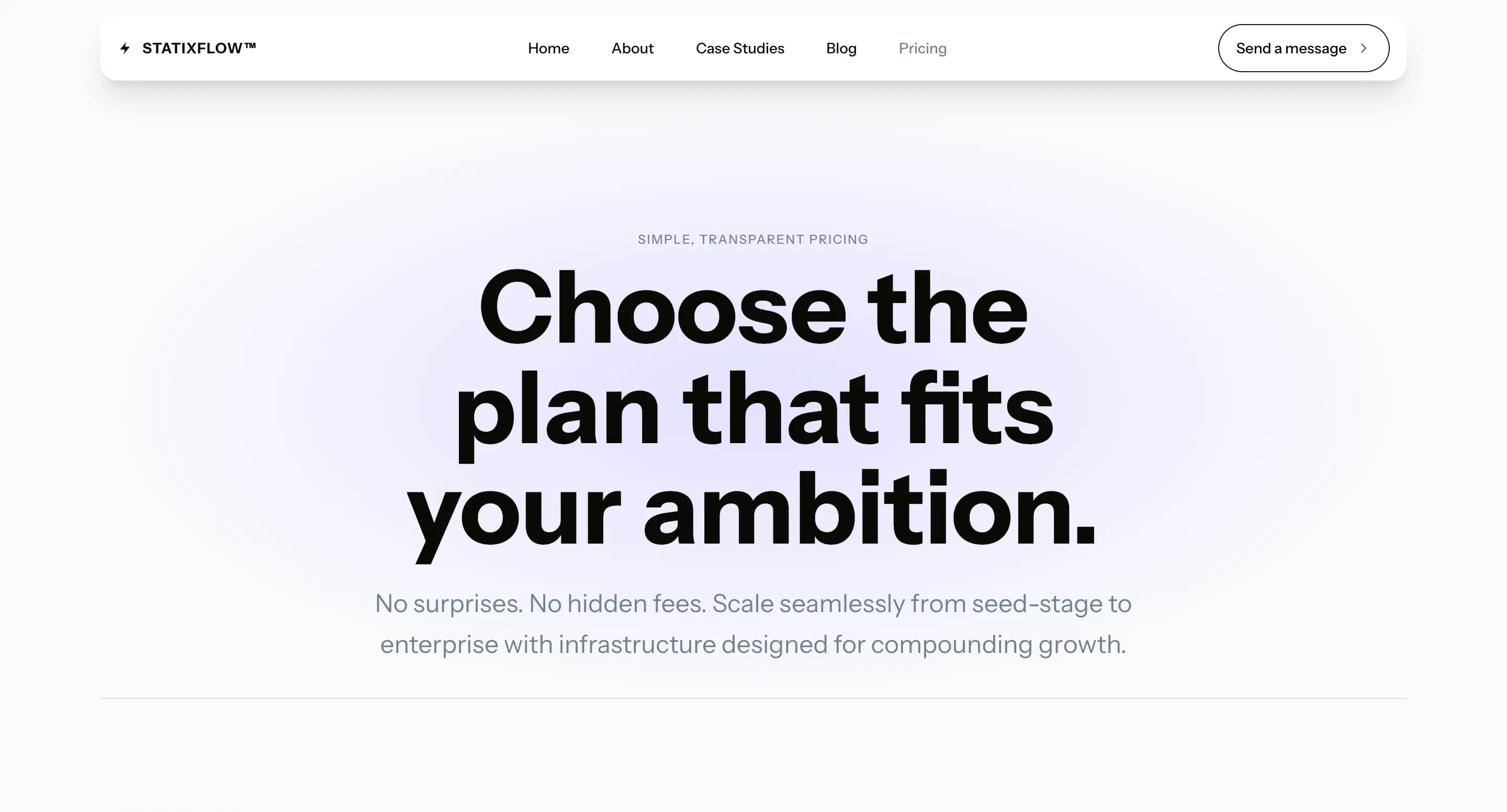 Pricing Page