Move Up On Scroll
The move-up-on-scroll plugin is a scroll-driven animation module that uses GSAP’s ScrollTrigger to create a smooth, scrubbed reveal effect. As an element scrolls into the viewport, it moves upwards from a lower position and fades into view. The animation progress is directly linked to the user’s scroll position.
In development, it is implemented in assets/js/modules/move-up-on-scroll.js and is initialized automatically by assets/js/main.js.
Markup Requirements
To apply the “move up on scroll” effect to any element in your HTML template, simply add the data-move-up-on-scroll attribute to it.
All start and end values are automatically wrapped with GSAP’s clamp() function to prevent the ScrollTrigger from starting or ending beyond the scroll range.
Customizing animation values
You can override the default animation behavior per-instance by adding any of the following optional data attributes:
| Attribute | Default | Description |
|---|---|---|
data-move-up-on-scroll-y-percent | 120 | The initial vertical offset (in percent) before the element scrolls into view. |
data-move-up-on-scroll-stagger | 0.3 | The delay (in seconds) between animating child elements if the root element contains multiple items. |
data-move-up-on-scroll-start | top bottom | The ScrollTrigger start position. |
data-move-up-on-scroll-end | bottom top | The ScrollTrigger end position. |
Markup Example
<!-- Default behavior -->
<div class="content-block" data-move-up-on-scroll>
  <h2>Discover Our Vision</h2>
  <p>This entire block will smoothly fade in and move up as the user scrolls down the page.</p>
</div>

<!-- Custom behavior: starts from 50% offset, slower stagger, earlier scroll start -->
<div class="content-block"
  data-move-up-on-scroll
  data-move-up-on-scroll-y-percent="50"
  data-move-up-on-scroll-stagger="0.5"
  data-move-up-on-scroll-start="top 80%"
  data-move-up-on-scroll-end="bottom 60%">
  <h2>Customized Vision</h2>
  <p>This block has a customized start offset, stagger, and scroll trigger positions.</p>
</div>
Demo Example
View the complete code sample on this page.
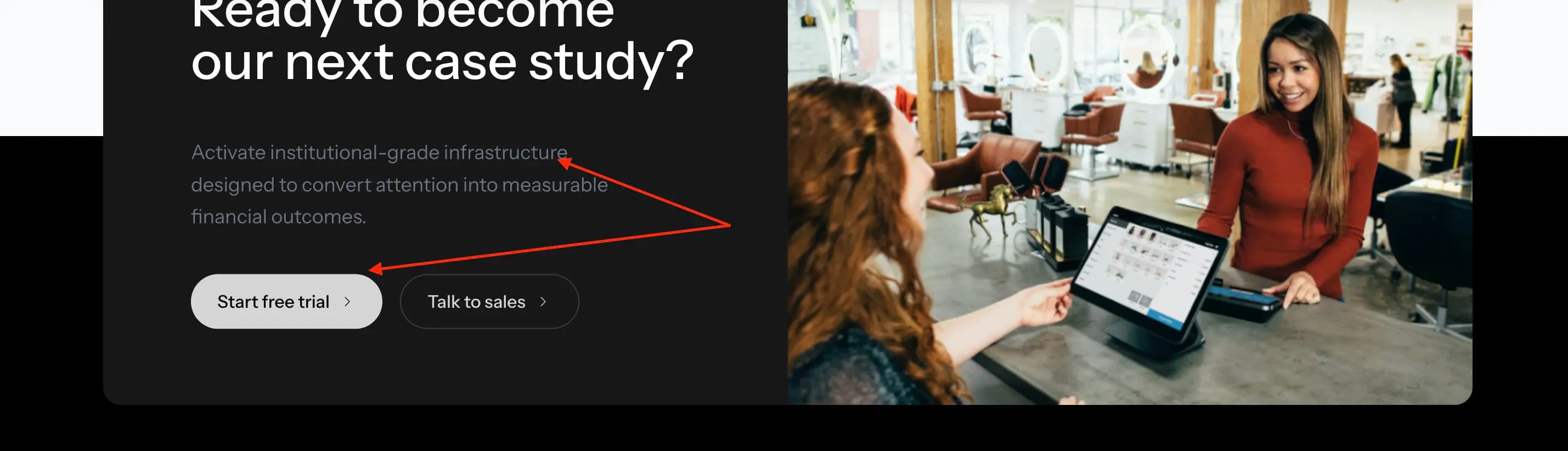 Case Studies Page