Pinned (Sticky) Side
The pinned-side plugin pins an element (like a sidebar or navigation menu) so that it remains visible in the viewport while the user scrolls down its container. It is built using GSAP ScrollTrigger .
Because this template uses a custom smooth scrolling implementation, GSAP , native CSS position: sticky (like Tailwind’s sticky utility class) will not work. The pinned-side plugin provides a robust alternative that integrates seamlessly with the smooth scrollbar.
In development, it is implemented in assets/js/modules/pinned-side.js and is initialized automatically by assets/js/main.js.
Markup Requirements
To use the plugin, you must follow this structure:
- Add
data-pinned-side-containerto the parent wrapper. This container establishes the scroll boundaries (the start and end points) for the pinned element. - Inside the container, add
data-pinned-sideto the element you want to pin.
Controlling behavior across breakpoints
Often, you only want an element to be pinned on larger screens (e.g., desktops), and let it scroll naturally on smaller screens (e.g., mobile).
You can control this by adding the data-pinned-side-screen attribute to the element with data-pinned-side.
Available values correspond to standard Tailwind breakpoints:
smmdlgxl2xl
For example, adding data-pinned-side-screen="lg" ensures the element is only pinned when the screen matches the large (lg) media query or above.
Markup Example
Below is an example markup. Key details are included in the HTML comments
<!-- Start: The container sets the boundaries for the scroll pinning -->
<div class="grid grid-cols-1 items-start gap-8 lg:grid-cols-3" data-pinned-side-container>

  <!-- Start: This column will be pinned as you scroll -->
  <div class="lg:col-span-2">
    <!-- Start: We use data-pinned-side-screen="lg" so it only pins on large screens -->
    <div data-pinned-side data-pinned-side-screen="lg">
      <aside>
        <h3>Sidebar Content</h3>
        <p>This sidebar will stick as you scroll down the page content.</p>
      </aside>
    </div>
    <!-- End: We use data-pinned-side-screen="lg" so it only pins on large screens -->
  </div>
  <!-- End: This column will be pinned as you scroll -->

  <!-- Start: This is the taller content column that will scroll normally -->
  <div>
    <h2>Main Content Area</h2>
    <p>Lots of content goes here...</p>
    <!-- ... -->
  </div>
  <!-- End: This is the taller content column that will scroll normally -->
</div>
<!-- End: The container sets the boundaries for the scroll pinning -->
Demo Example
View the complete code sample on this page.
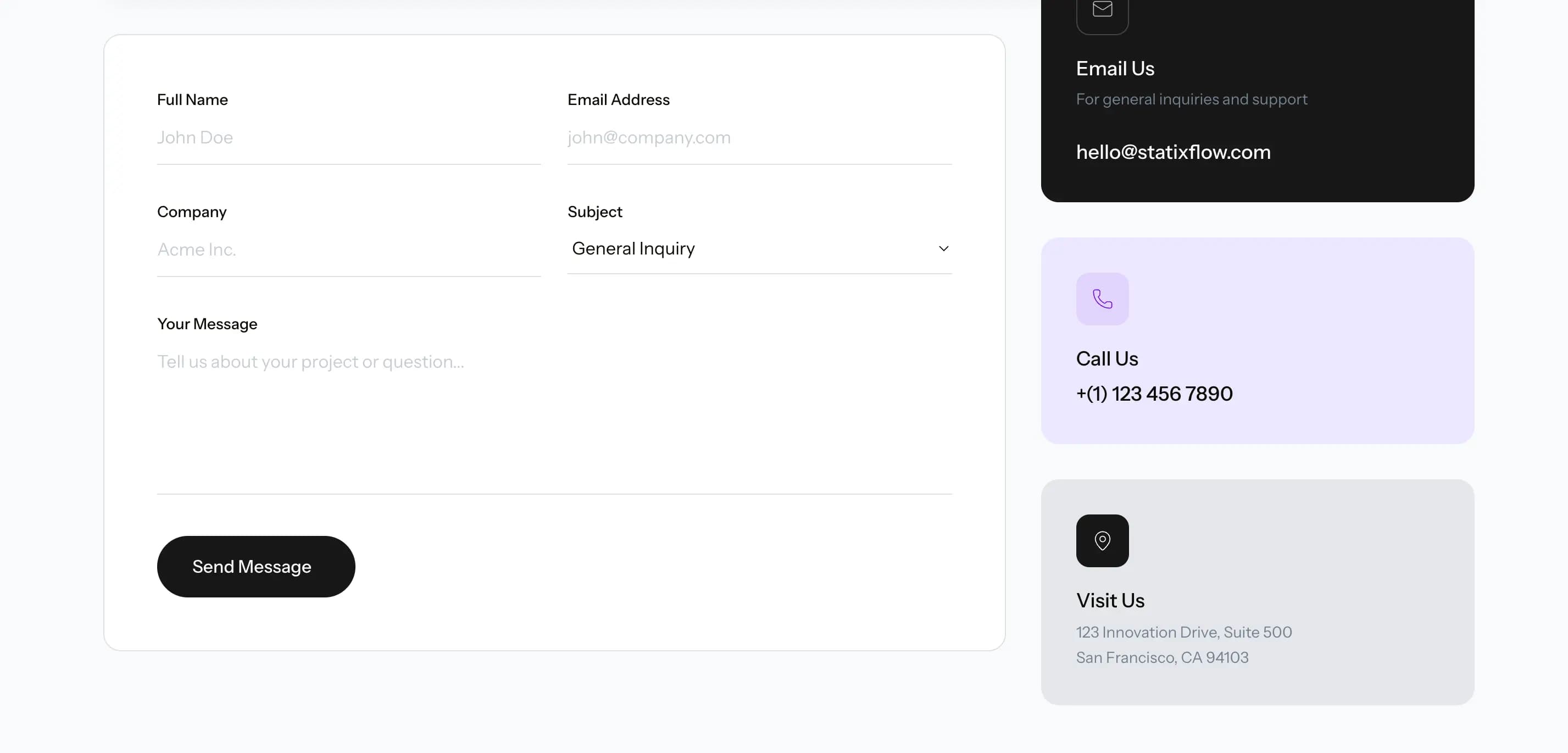 Contact Page